

Catch job delays before they start
Connect crews, materials, documents, and schedules around every job. Plan work, spot schedule risk, and complete safety and compliance checks before work starts.
Trusted by general contractors, specialty subcontractors, and developers








Fewer errors in updates logged from the field.
Show crews only the relevant job, phase, and task options, so the office has less cleanup later.
Daily logs and photos
filed to the right job.
Give field teams fast ways to submit updates by text or mobile, then file them to the right job and phase.
Faster subcontractor onboarding than email and spreadsheets.
Track insurance and required document checks,
with reminders before anything expires.
Keep every job connected, from the field to the office
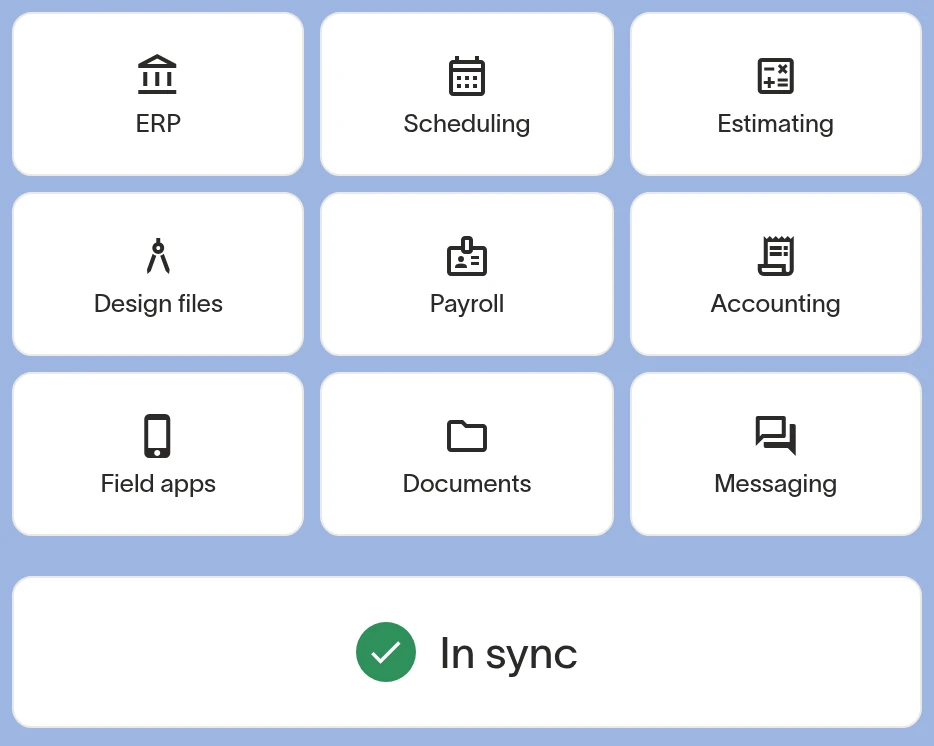
Connect OpsMonsters to the ERP, scheduling, estimating, and design tools your crews and office already use, and keep data in sync.



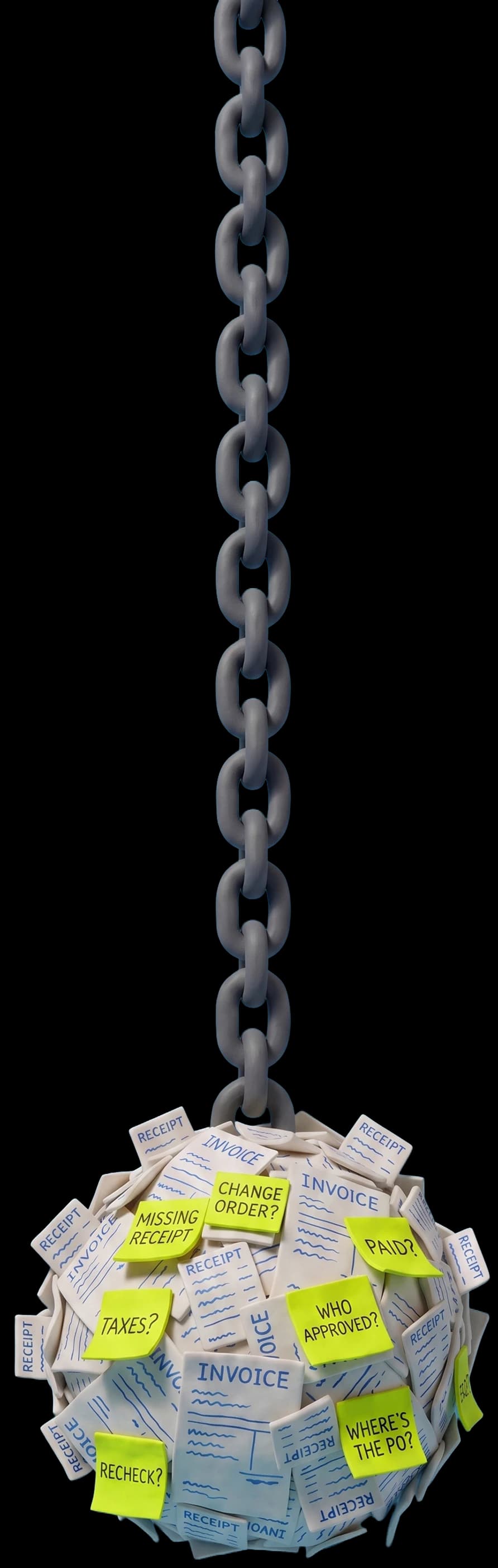
Stop getting wrecked by scattered job data.
Plan the right crew for every job
Assign crews by job, trade, certification, or role. See who is available and who is overbooked before the schedule slips.
Explore workforce planning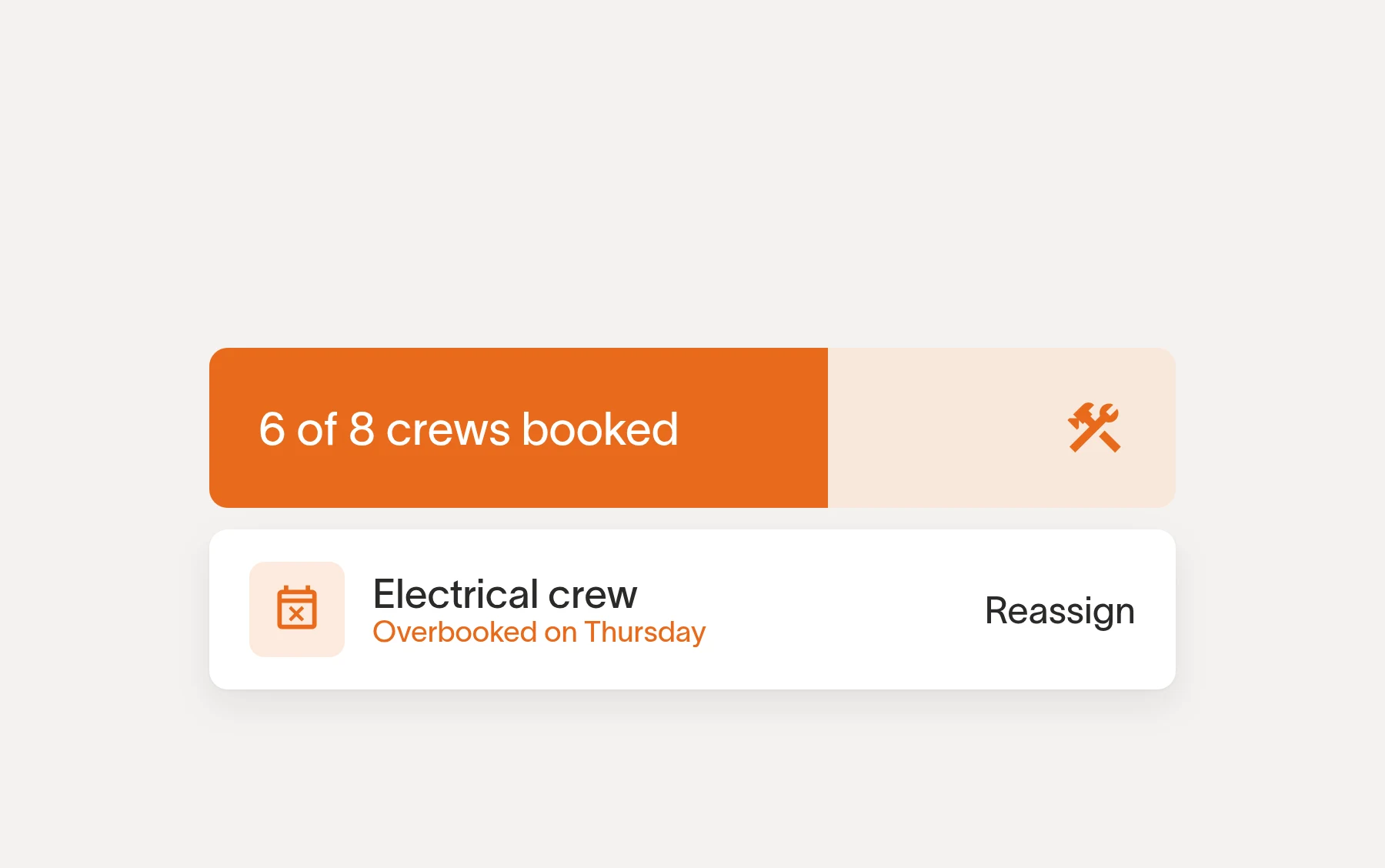
Snap a photo, tag the job, done in seconds
Field teams text a photo or a note and OpsMonsters files it to the right job, phase, and area. No app download or paperwork required.
Explore document management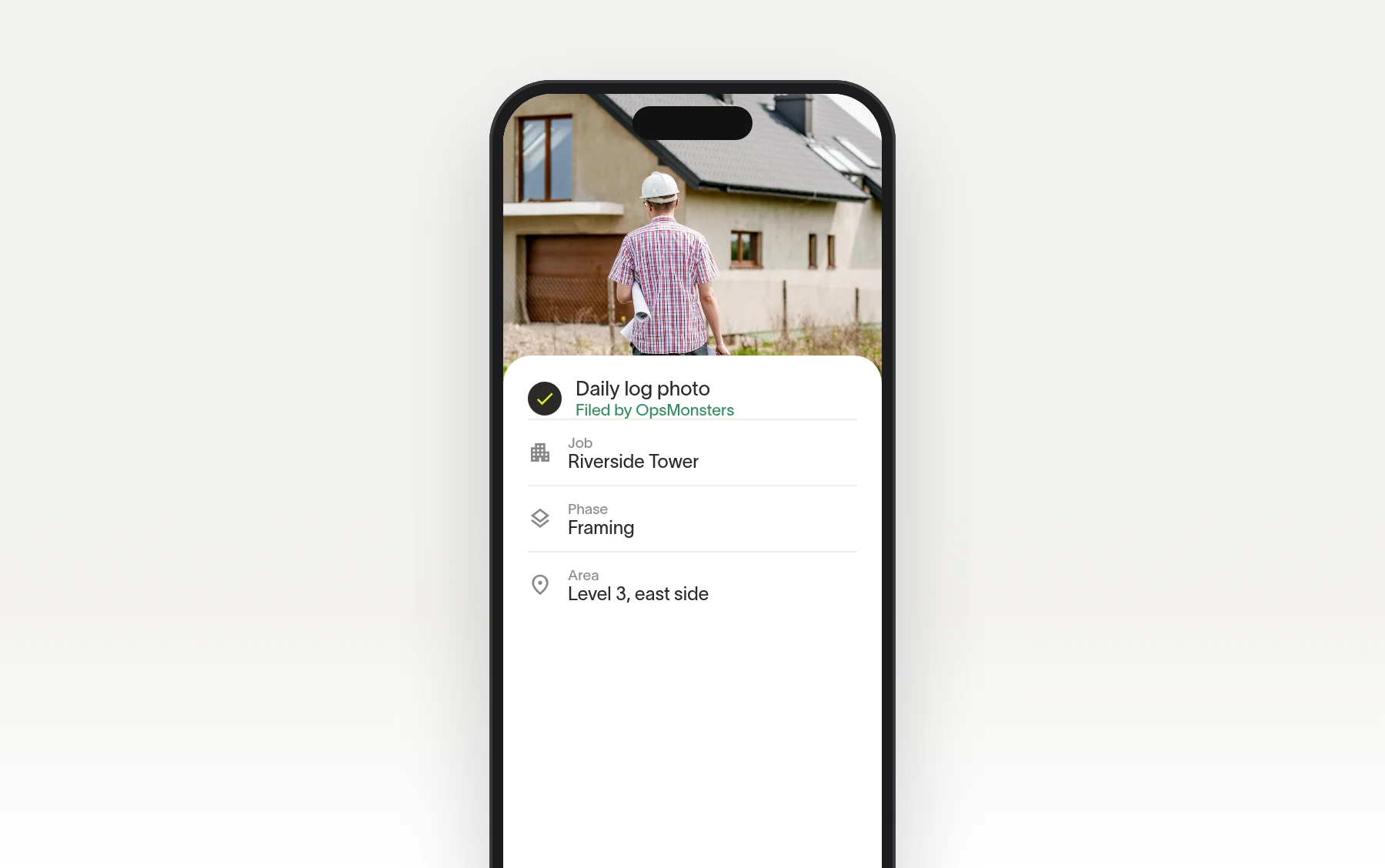







Take control of every job site.
Source subcontractors with automated checks
Compare bids from qualified subs and suppliers, route each award to the responsible PM, and keep scopes on file. Hold contracts until required licenses and COIs are in.
Explore strategic sourcing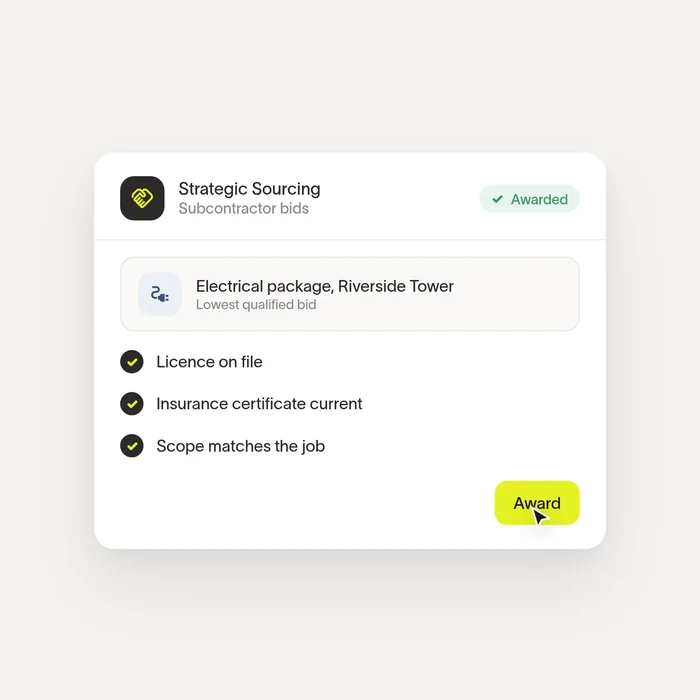
Know where every delivery stands in real time
See orders, deliveries, and materials on hand by job, with live OpsMonsters supply data layered onto the schedules from your ERP.
Explore supply chain management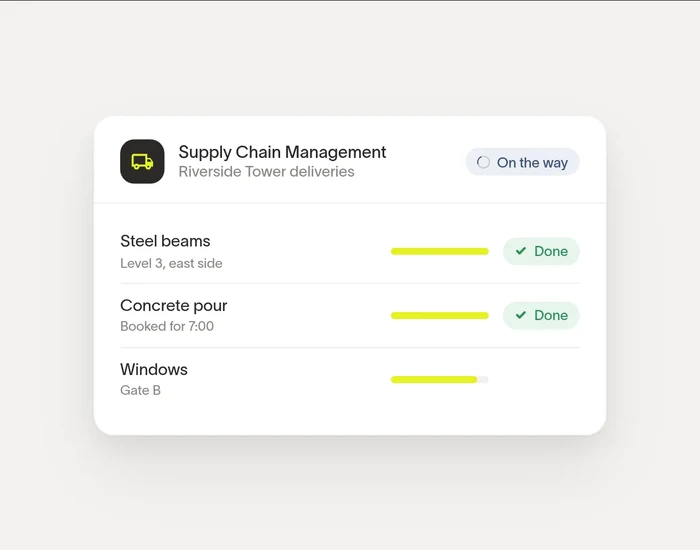
Spend less time chasing job updates.Spend more time building.
The reminders, the automatic filing, the checklists, it's all been so helpful, especially for our crews in the field. They capture everything as it happens, and the office isn't spending days a month piecing together what went on at each site.
Controller
General contractor
Having everything in one place and cutting the time information spends moving from site to office is huge. All told, OpsMonsters has saved our team a lot of hours every week across crew scheduling, materials, and job documentation.
Chief Financial Officer
Roofing contractor
Everyone who uses the sourcing workflow loves how simple it is to set up a bid. It's the easiest thing in the world, and it saves everyone time. Even our CEO, who is a critic of everything, loves it.
Chief Financial Officer
Commercial construction group

With OpsMonsters, we've cut hours of manual work each week and stopped losing track of materials. It's completely changed how we run operations across projects.
Chief Financial Officer
Electrical contractor
The time savings alone are a reason for the change, but there are so many other perks: tighter security, easy onboarding of new users, clearer approvals, better records - the list just goes on. I simply can't recommend OpsMonsters enough!
Administrative VP
Specialty construction manufacturer
FAQ
OpsMonsters is built for people who don't sit at a desk. Supers and foremen send photos and notes by text, pick a job from a filtered list, and they're done in seconds. No app download required for text updates.
Workforce Planning shows every worker by trade, certification, and availability across all jobs. Supers request crews, the office assigns them, and OpsMonsters flags conflicts and expired certifications before anyone is sent to site, so problems are caught early.
Every record, including daily logs, photos, RFIs, and submittals, can be tagged to a specific job, area, and phase. OpsMonsters uses filtering to show field users only the options relevant to their project, so updates are filed correctly at the source and sync cleanly to your other systems.
Strategic Sourcing collects bids, scopes, and qualifications from every sub and supplier in one place. Missing insurance or expired licenses are flagged before an award goes out. You can route approvals by project or trade and track deliveries in Supply Chain Management.
Yes, OpsMonsters connects with the ERP, scheduling, and design tools contractors already use. We keep adding construction-native integrations so job records, schedules, and documents stay accurate and in sync without hours of manual re-entry.
Compliance Management tracks safety programs, inspections, permits, and certifications on every job and reminds owners before deadlines. This gives your construction business better visibility into risk, simpler audit preparation, and a clear record of what was checked and when.
Yes, Document Management keeps drawings, specs, and changes versioned, so crews build from the latest set.
Spreadsheets and shared drives let information drift out of date and live in a dozen places at once. OpsMonsters keeps one live record per job, which means every crew, sub, and office user sees the same version of the truth. It also comes with approvals, reminders, and audit trails that a spreadsheet or shared folder simply can't provide.
OpsMonsters provides an easy-to-use online dashboard where you can track crews, tasks, and deliveries across every job site—in real time. You can view daily logs, set priorities, and flag issues that need attention so the office and field stay aligned and every job stays compliant.
Yes, with OpsMonsters you'll be able to set access rules across your business or for a specific subcontractor. These rules are completely customizable, can follow the job, the phase, or the role, and are automatically applied to every file and record.

Build on time. Run on OpsMonsters.