One place to talk with every customer.

Email, chat, SMS and voice in one shared inbox, with the full customer record beside every reply.

Answer on the channel they chose. Email, chat, SMS and voice arrive in one queue the whole team shares.
Know who is on the other end. Orders, open cases and past messages sit beside every conversation.
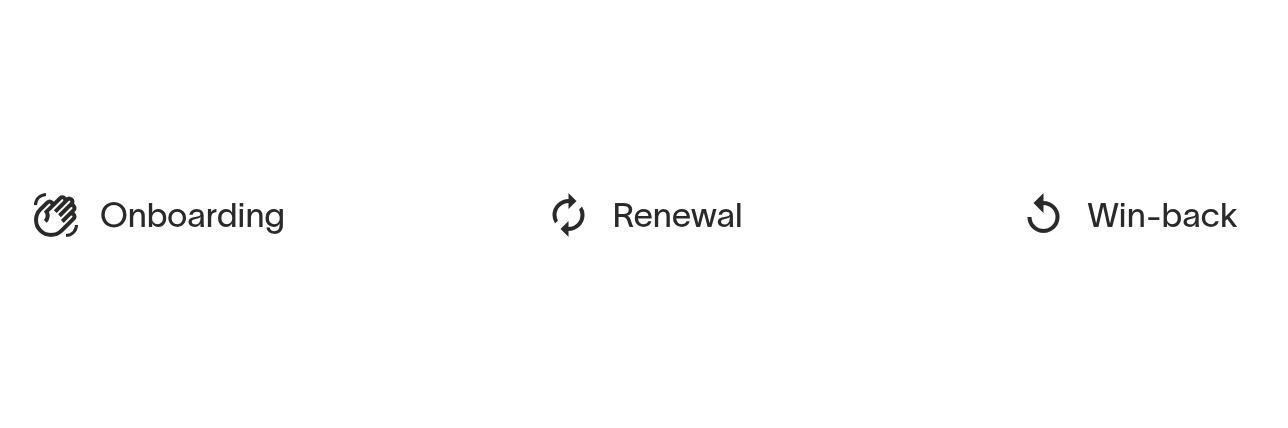
Follow up without the reminders. Journeys handle onboarding, renewals and quiet accounts on a schedule you set.
Keep every team on the same page. Sales, service and success read one history1, so nobody asks the customer the same question twice.

See the whole customer
before you
hit reply.
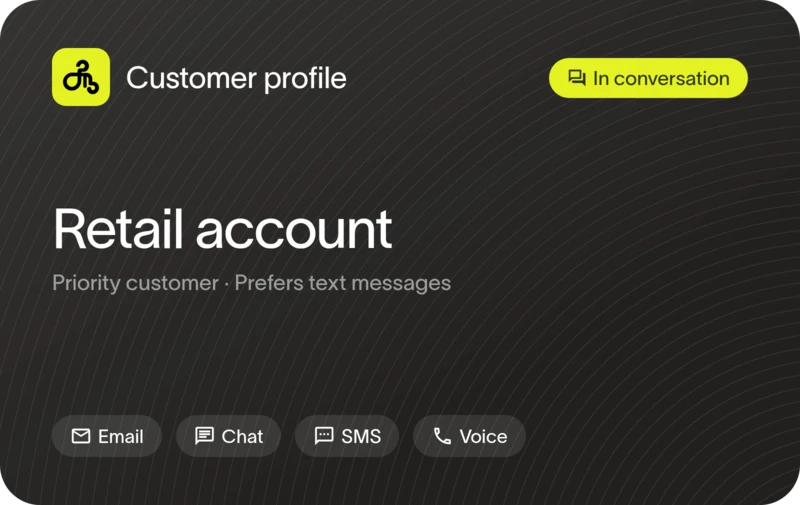
Customer profile for a retail account, reachable by email, chat, SMS and voice
Email thread
Answered 5
of 6
Live chat
session
Orders
Returns
Billing
Promotions
Cold outreach
Answered 1
of 4
Text messages
Answered 1
of 9

Every channel, one conversation.

Email, chat and text messages join a single thread, so whoever picks it up next can see what was already said and promised.

Respect what customers asked for.

Contact preferences and opt-outs travel with each profile. If a message would break one, OpsMonsters holds it back and shows the agent why.

Fewer handoffs,
faster answers.

Send each message to the right person.
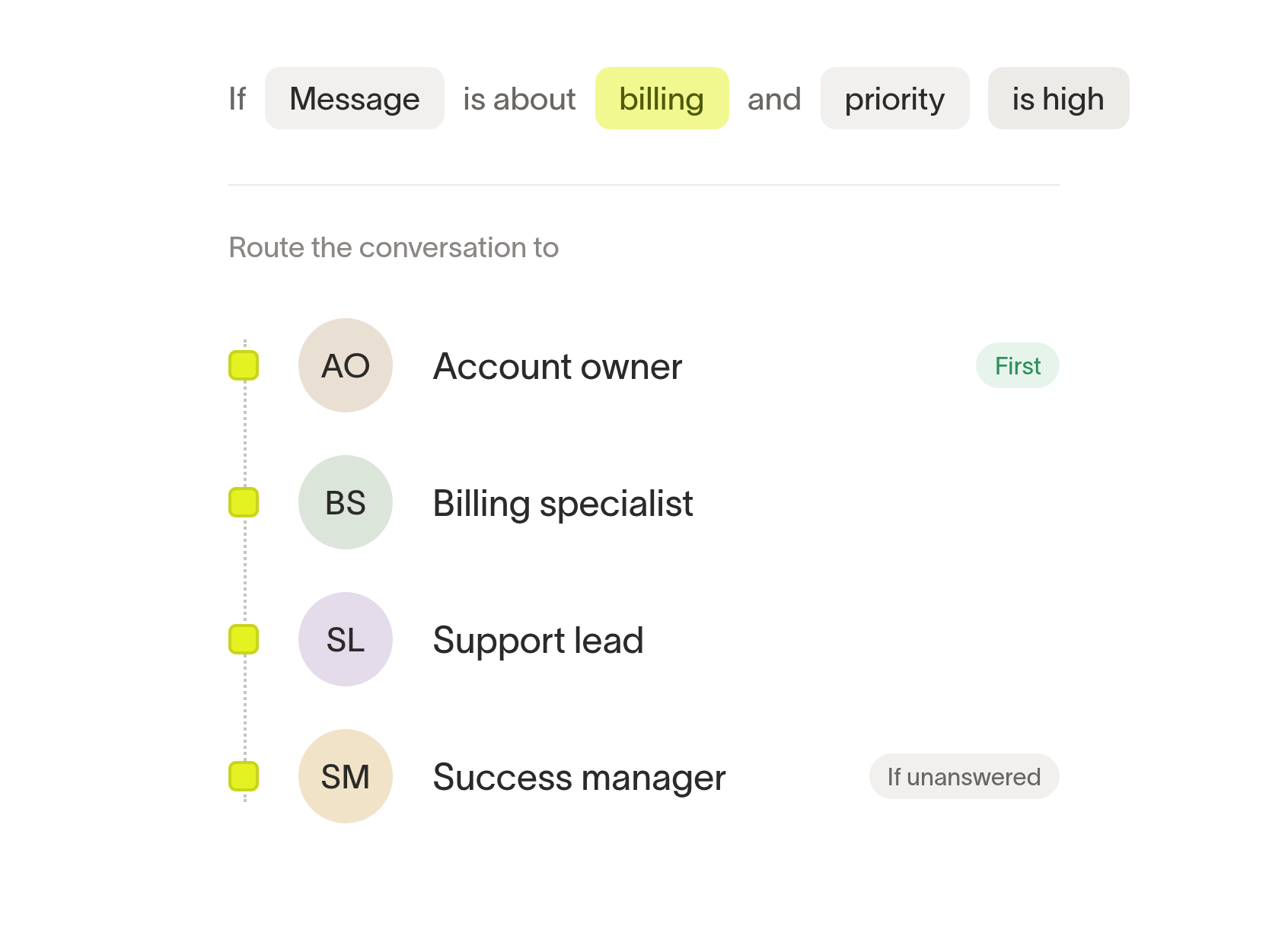
Rules read the topic, priority and account, then hand the conversation to its owner, with a fallback when nobody picks it up.
Routing rule that sends high-priority billing messages to the account owner first

Pick up where the customer left off.

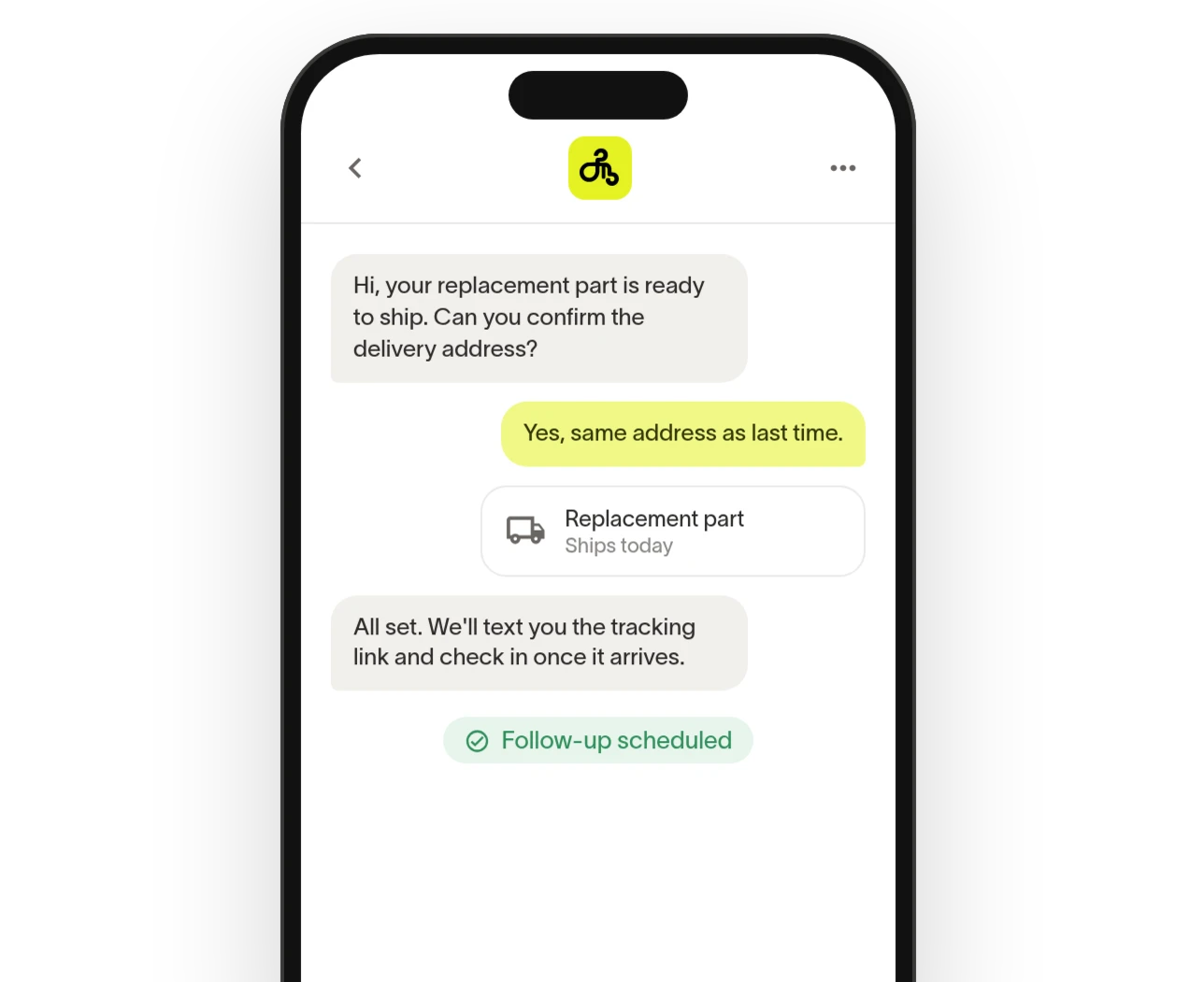
Customers reply by text or chat whenever it suits them. OpsMonsters keeps the thread together and schedules the next check-in for you.
See it in a demo
Text conversation with a customer about a replacement part
Business Process ManagementDocument Management
Agent Orchestration
Business Process ManagementDocument Management
Agent Orchestration
Business Process ManagementDocument Management
Agent Orchestration

Quick replies
for agents
(and their leads).
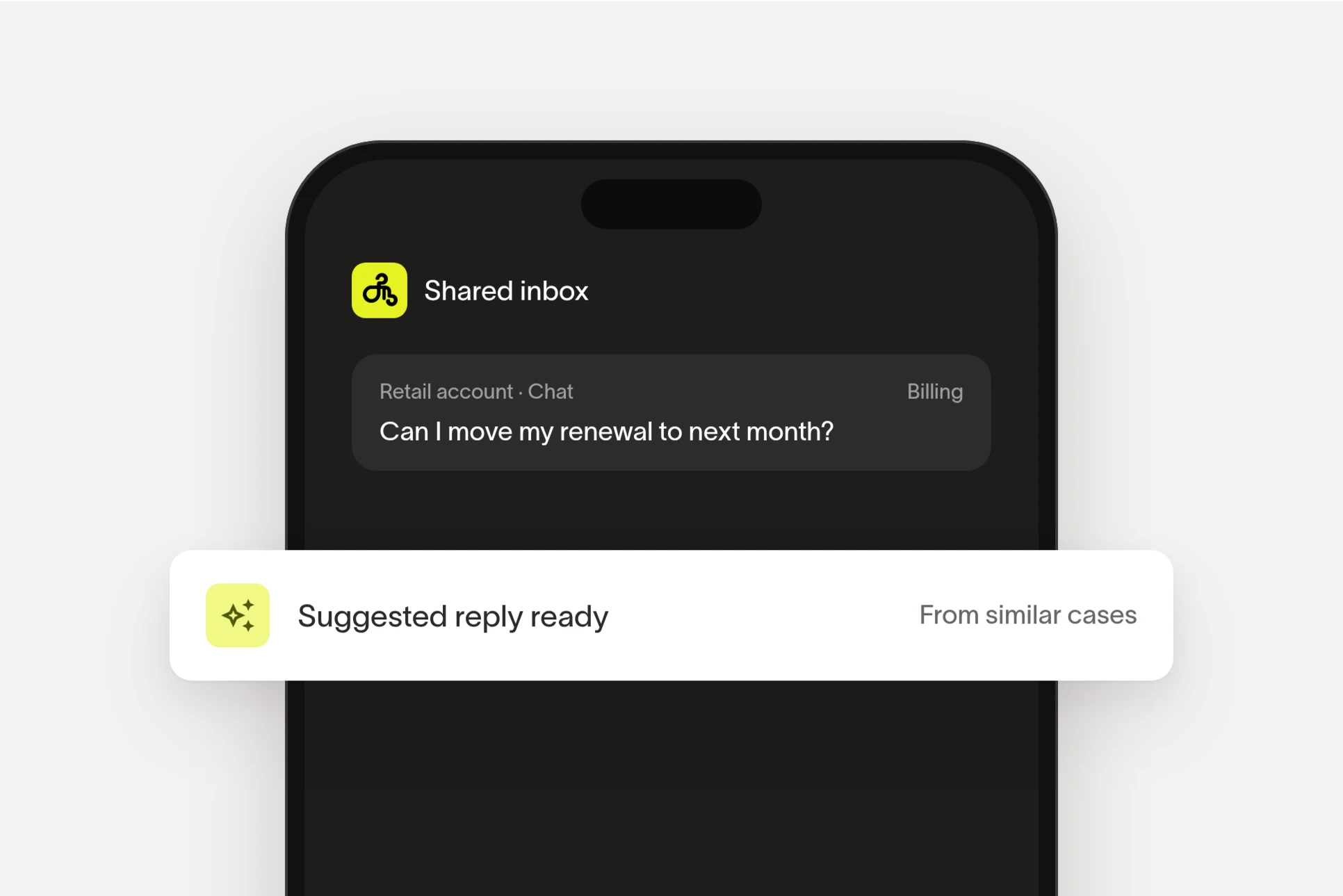
Shared inbox on a phone with a suggested reply ready

Start from a suggested reply.

OpsMonsters drafts an answer from similar resolved cases and your knowledge articles. Agents check it, adjust the tone and send.
Woman answering a customer from her phone at her desk

Reply from wherever you are.

Answer from the mobile app, your email client or the browser. Every reply lands in the same customer thread.
Customer Engagement
"Our service and account teams finally read the same conversation history, so customers stopped having to repeat themselves."

Head of Customer ExperienceRegional retail group

Campaigns, journeys,
and service in
one place.

Send campaigns people answer.
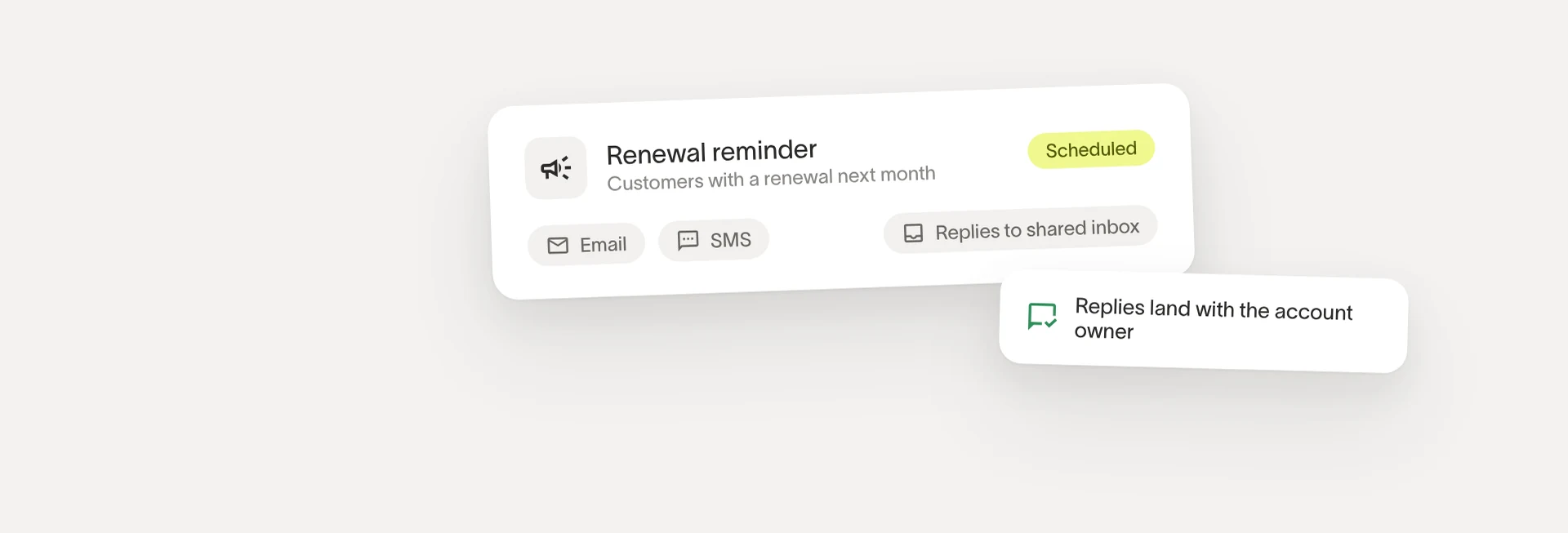
Pick an audience, write once and send by email or SMS. Replies come straight back to the shared inbox.
Plan a campaign
Renewal reminder campaign scheduled for email and SMS

Journeys that run on their own.

Start from onboarding, renewal or win-back templates, then change the steps, timing and channel to suit your customers.
Browse journeys
Onboarding, renewal and win-back journey templates

Consent built in

Opt-ins and opt-outs recorded per channel
Quiet hours set by region and time zone
Every message logged on the customer record

Secure by default

Single sign-on and role-based access
Sensitive fields masked in every view
A change history for each profile
Retention rules shared with Data Governance

Speaks your customers’ language

Replies and templates in the languages you serve
Local sender numbers and email domains
Business hours for each team and region

Connected to the rest of OpsMonsters.

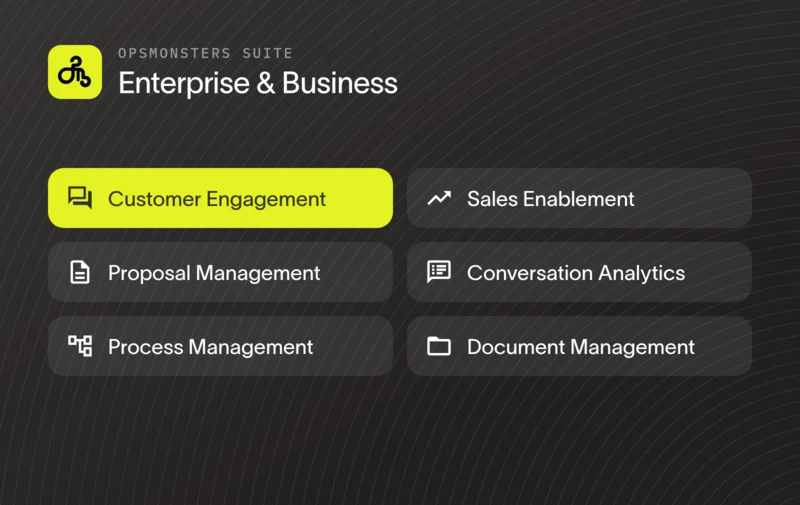
Customer Engagement shares one record with Sales Enablement, Conversation Analytics and Document Management, and links to the tools your teams already use.

OpsMonsters products and connected tools around Customer Engagement

FAQ

Customer Engagement is the OpsMonsters product your teams use to talk with customers. It brings email, chat, SMS and voice into one shared inbox, keeps a profile for every customer, routes each conversation to its owner, and runs campaigns and journeys from the same record.

You write routing rules on topic, priority, account or language. Each conversation goes to its owner first and moves to the next person in line if it waits too long. To see where replies slow down, open Conversation Analytics, which reads the same threads and reports on response times and recurring topics.

Yes. Each profile stores opt-ins and opt-outs for every channel, along with quiet hours and a preferred language. Campaigns and journeys check those settings before anything goes out, and the record shows who changed a preference and when.

A help desk tracks tickets. Customer Engagement keeps the whole relationship: service conversations, campaigns, journeys and account notes on one record every team can read. Sales Enablement uses the same record, so sellers walk into a call knowing what the customer asked for, what was promised and what is still open.

Yes. Customer Engagement is part of the Enterprise & Business suite. It shares customer records with Sales Enablement, Proposal Management and Conversation Analytics, files attachments in Document Management, and can start workflows built in Business Process Management.

Start every conversation with context.