Digital Commerce
See every order.
Serve every channel.
Run your web store, marketplaces and B2B portal from one catalog, follow every order from cart to doorstep, and fix what slows buyers down.
Works with the storefront you already run.













Run every channel from one place.

List it
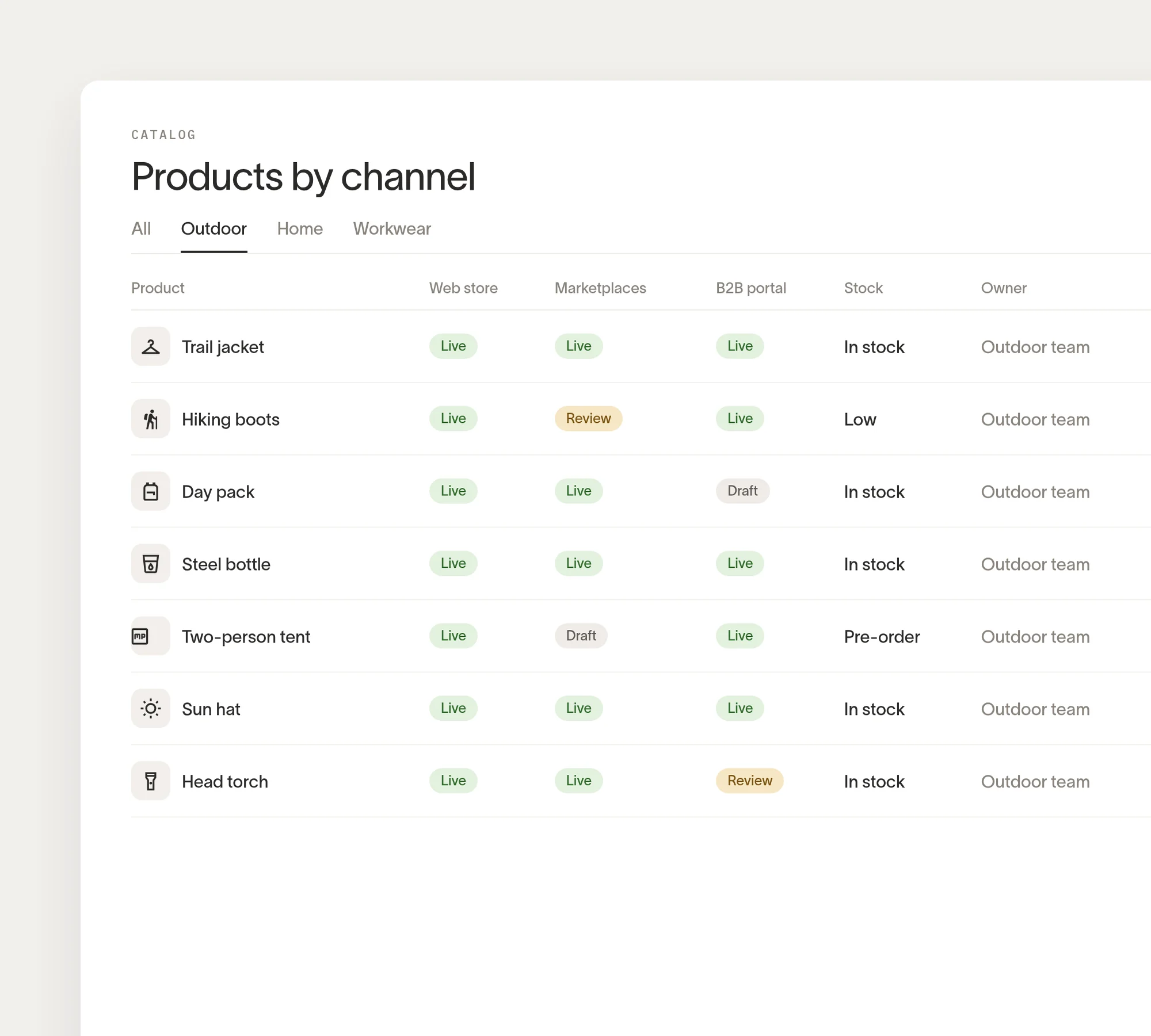
Sell it
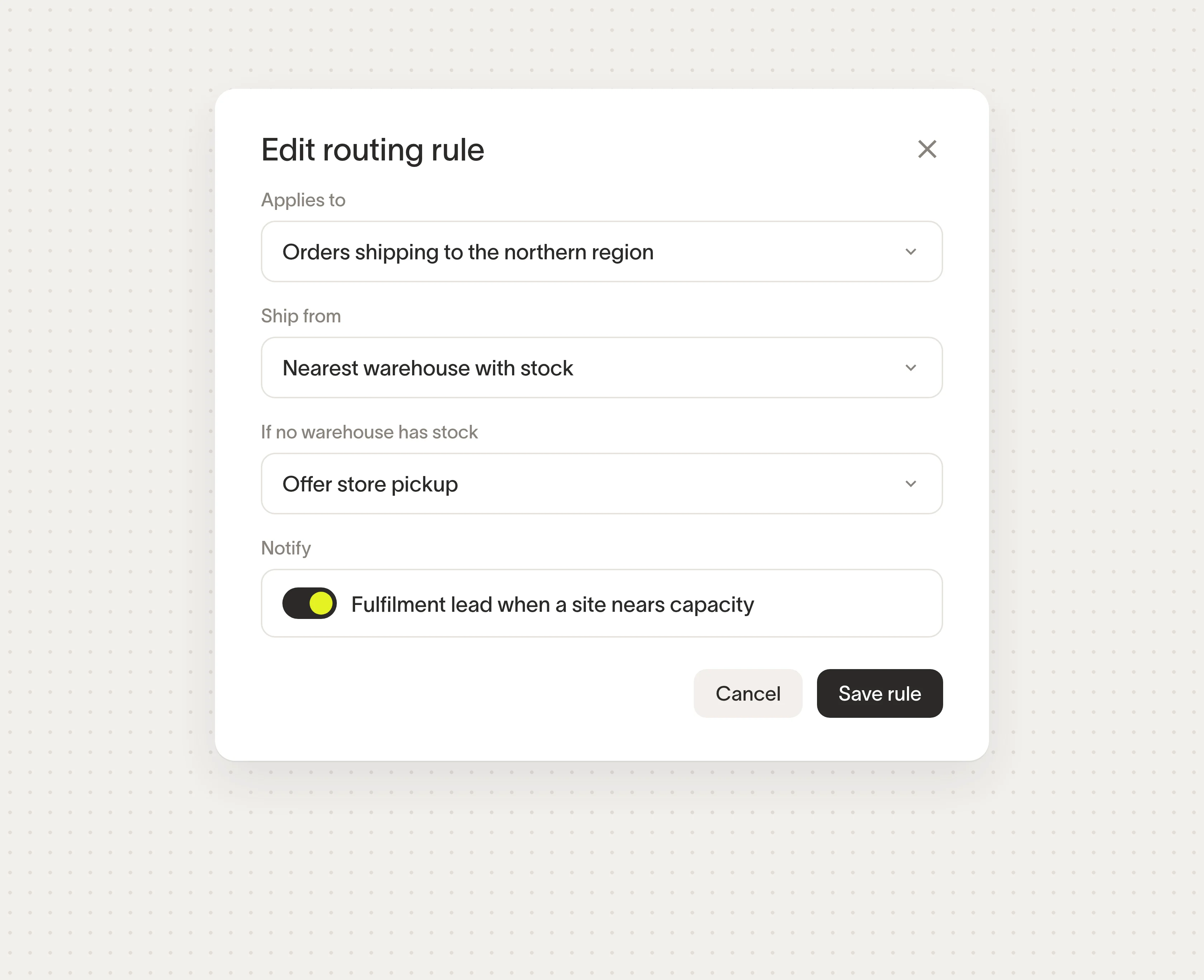
Ship it
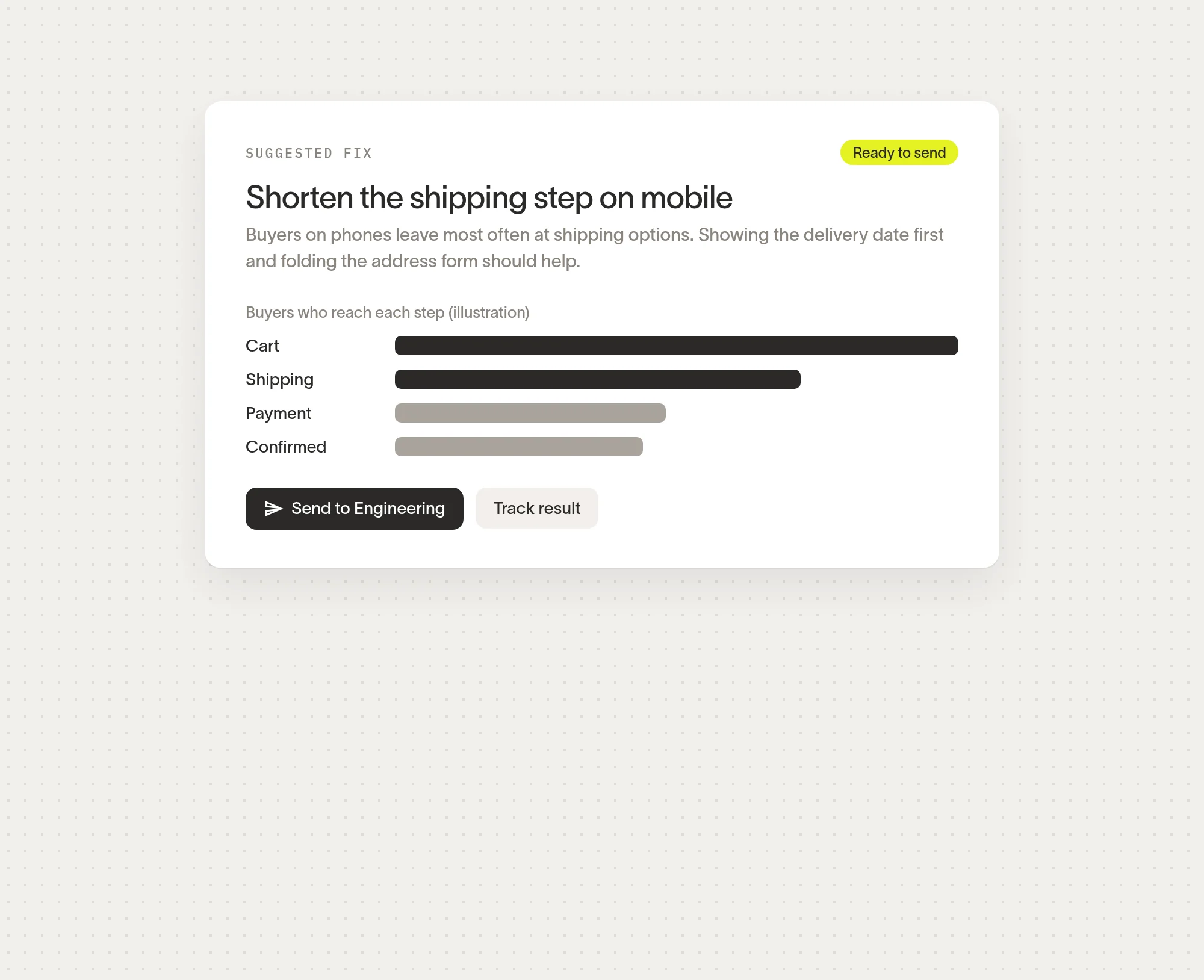
Grow it
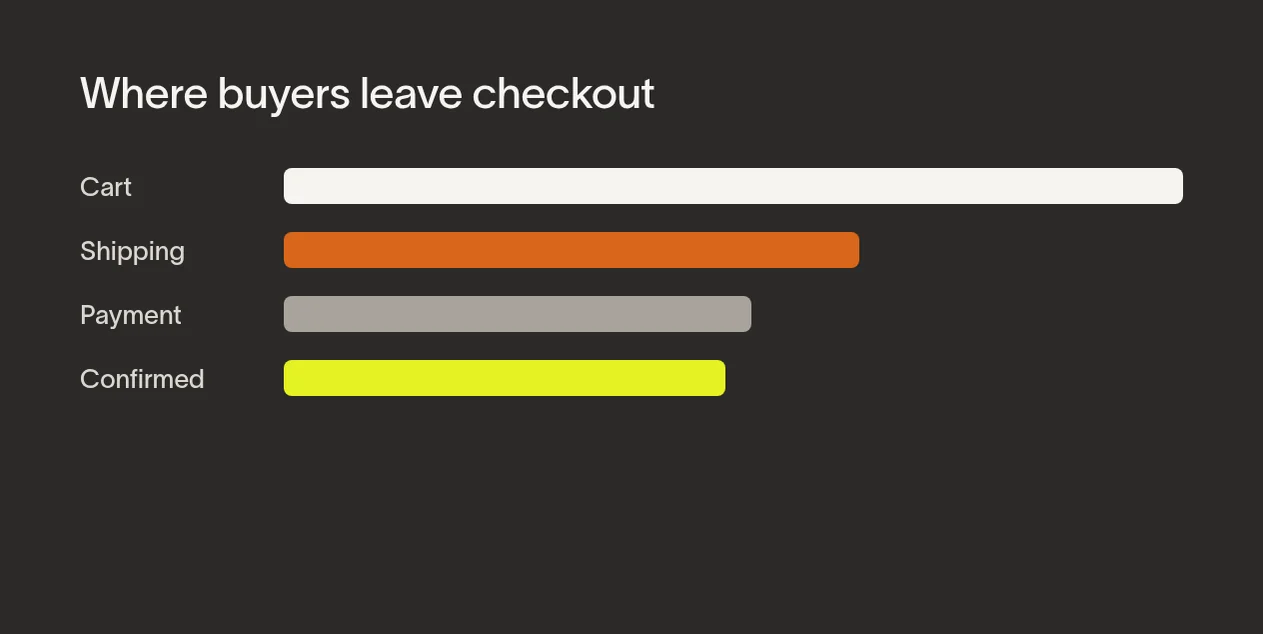
See where buyers drop off, and why.
Digital Commerce compares each checkout step across channels and devices, then points to the step worth fixing first.
See how it works
Commerce teams need one view of every channel they sell on.

From first click to delivered order, in one record.
See a demoOne
catalog for your web store, marketplaces and B2B portalUpdated as orders land
Every
order followed from cart to doorstepUpdated as orders land
Live
stock levels shared across channelsLinked to Supply Chain Management

“Our marketplace listings used to drift from the web store within a day. Now there is one catalog, and when we change a product it changes everywhere.”
Head of E-commerce, Outdoor gear retailer

“Our trade customers reorder through the portal at their own prices, and the orders land next to our web orders. My sales team spends its time on new accounts.”
Managing Director, Wholesale distributor

“The weekly briefing showed buyers on phones were giving up at shipping. We sent the fix to engineering that morning and watched the step improve.”
Digital Product Manager, Home goods brand

How a specialty retailer moved its web store and marketplaces onto one catalog
Read the storyTurn every order into
a better next one.
Connect every channel in one place.
Bring in your web store, marketplaces and B2B portal. Orders, returns and stock land in one view, with no spreadsheets in between.

Know what changed this week, and why.
A weekly briefing explains shifts in orders, returns and checkout by channel, and suggests what to look at first.

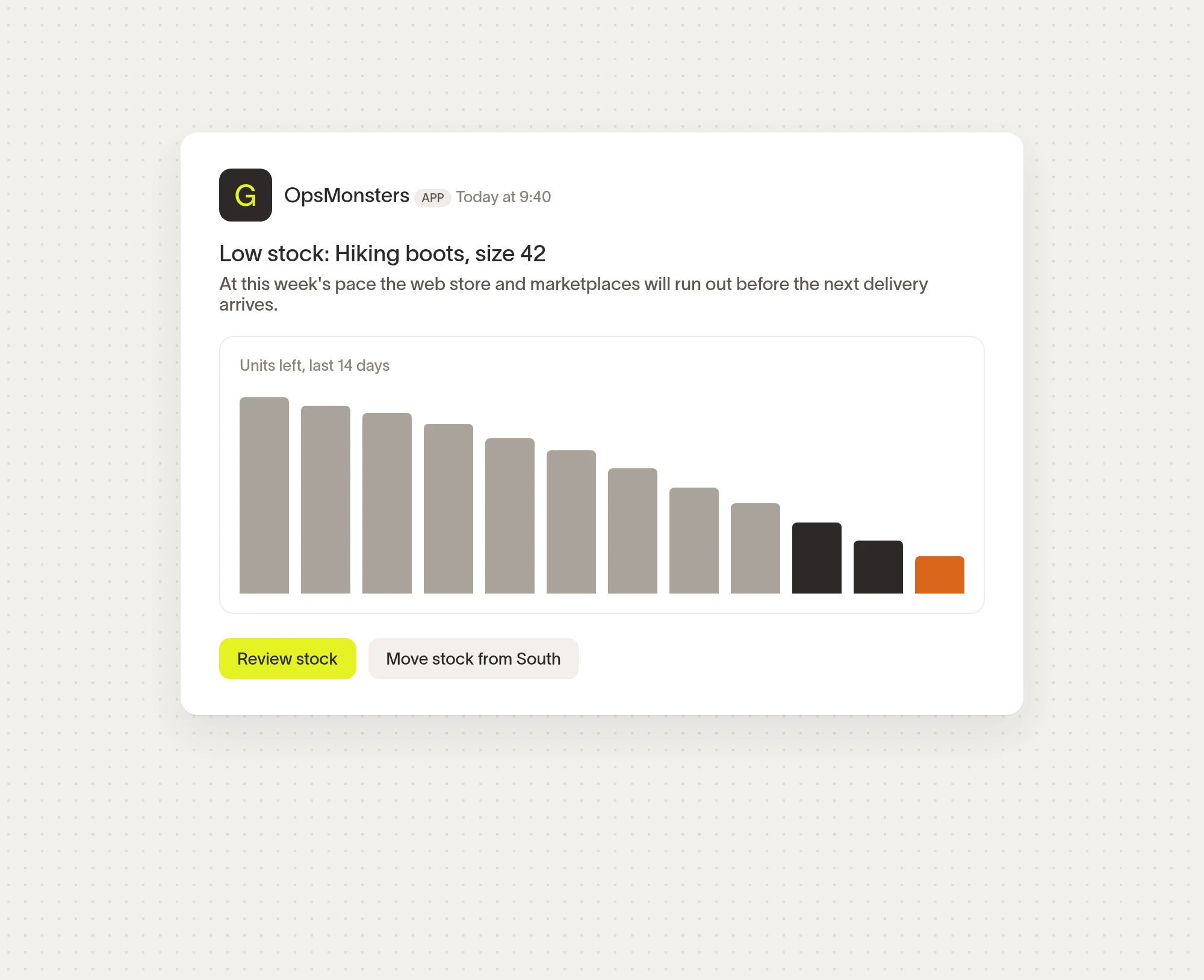
Catch stock and order issues before buyers do.
OpsMonsters flags a product about to sell out or an order stuck in fulfilment, and alerts its owner in the tools they already use.
Make checkout smoother on every channel.
Engineering ships checkout changes through one OpsMonsters commerce API, with live prices and stock checks built in. Offers stay the same on every channel.
Talk to our teamFind the plan that fits how you sell
Compare Digital Commerce plans
OpsMonsters guides, playbooks, and checklists for smoother selling online.



FAQ
Digital Commerce gives you one place to run every channel you sell on. It keeps one catalog for your web store, marketplaces and B2B portal, brings every order into one record from cart to delivery, and shows where buyers get stuck along the way.
It shares stock with Supply Chain Management and prices with Pricing Management, so what a buyer sees is what you can actually ship, at the price you set. Revenue Management picks up each order and return without re-keying.
Two kinds of teams use it:
You already sell on several channels. Your web store, marketplace listings and trade orders each live in a different tool, and nobody can say which channel is really growing. You need one catalog, one order record and one view of stock.
You're opening your first online channel. You sell in stores or through a sales team today and want to add a web store or a B2B portal without building a second back office. Start with one channel and add more as you grow.
Either way, you can start small. Book a walkthrough with our team, or add Digital Commerce to your existing OpsMonsters account.
Digital Commerce runs your own OpsMonsters web store and B2B portal, and connects to the storefront platforms, marketplaces and store tills you already use. Orders, returns and stock from each one land in the same order record.
Some marketplaces limit which order details they share, so the setup differs by channel. Your OpsMonsters account team checks each one with you before you switch it on. See setup options by channel.
Pricing Management holds your price lists, promotions and customer-specific terms. Digital Commerce reads them at checkout, so a buyer sees the same price on the web store, in a marketplace listing and in the B2B portal.
You can use either product on its own. Digital Commerce is for the teams that run your channels; Pricing Management is for the people who set and approve prices.
Together, commerce and pricing teams work from the same catalog. A price change approved in Pricing Management reaches every channel at once, and Digital Commerce shows how buyers responded.
Digital Commerce comes in two plans, depending on how many channels you run.
Starter fits teams with one or two channels. It includes the catalog, the order record, the weekly briefing and stock alerts.
Growth fits teams selling across many channels. It adds routing rules, B2B portals and quotes, checkout suggestions and the commerce API. Talk to our team for pricing.